Free · Open source · macOS, Windows & Linux
Websites that load fast, stay safe,
and cost almost nothing to run.
Jx builds your site into plain HTML pages and serves them from a CDN close to whoever is reading. By default nothing sits behind those pages: no database, no admin panel, no plugins waiting to be updated.
Draw it on a canvas, or describe it in a sentence. Both write the same files.
MIT licensed. No account to create, and Studio keeps working offline.
Speed, safety, and price stop competing.
With most website tools those three trade against each other: the builder that is easiest to use is the slowest to load, and the site that is cheapest to host is the one nobody is maintaining. A finished page sitting on a CDN settles all three in one move.
Fast for everyone
Every page is built ahead of time and served as finished HTML from a CDN near your visitor. Static pages carry no JavaScript at all, so there is nothing to download and run before the words appear. That gap is widest on an old phone and a weak signal.
Safe while you sleep
The attacks that take down small websites go after the login page, the database, and the plugin nobody updated. A Jx site ships with none of the three: a visitor asks for a page and gets a file, and that is the whole transaction.
Cheap to keep online
Static files fit inside the free tier of most hosts, and nothing on the Jx side charges by the seat, the month, or the page view. For a small site, the domain name is usually the whole bill. Hosting prices are your host's to set, so check theirs before you plan around them.
One exception, and it is the useful one: add the auth or connector extensions and the build puts one small server program beside the pages, so your visitors can have accounts and your site can have a database. The pages themselves are still built ahead of time.
Design it on a canvas. Or just describe it.
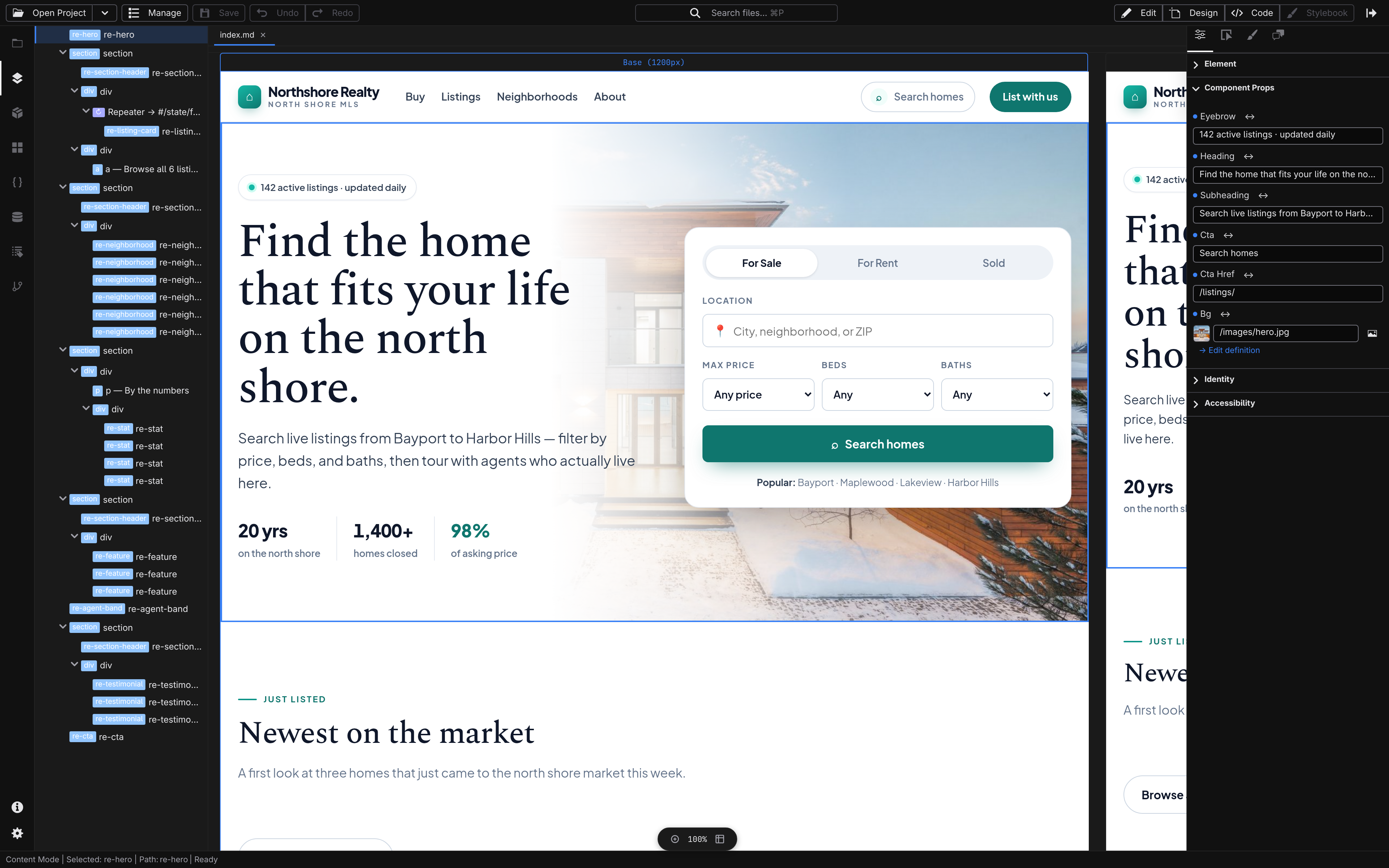
Studio is a free desktop app with four places to work on the same site. Move a headline, rewrite a paragraph, pick a color. The assistant sits in the same window and runs on an AI provider you connect yourself: Studio ships no account and no model of its own, and sends nothing anywhere until you connect one.
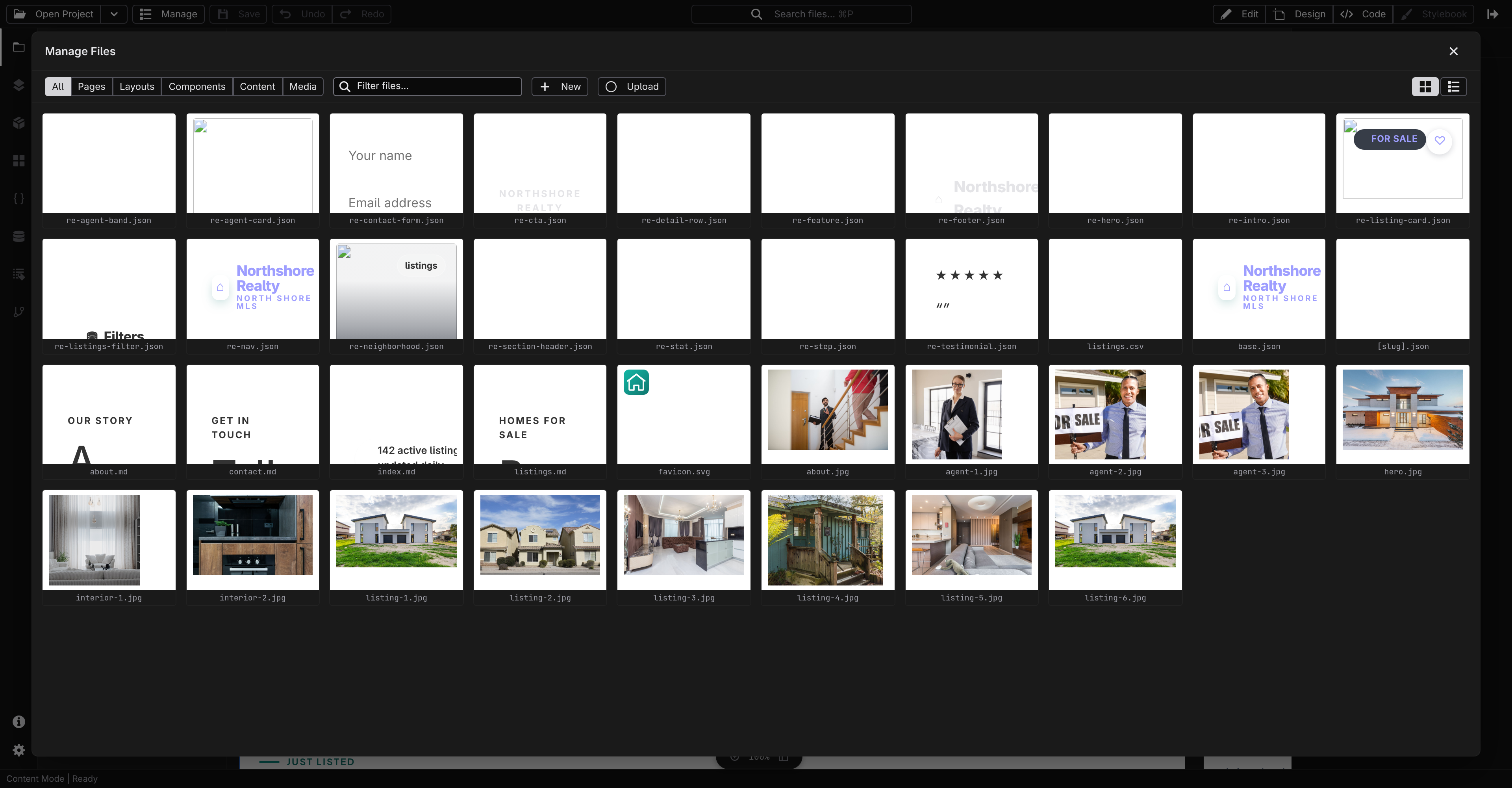
Manage
Every page, post, and image in one window, each with a preview, so you can add, rename, and organize without digging through folders.
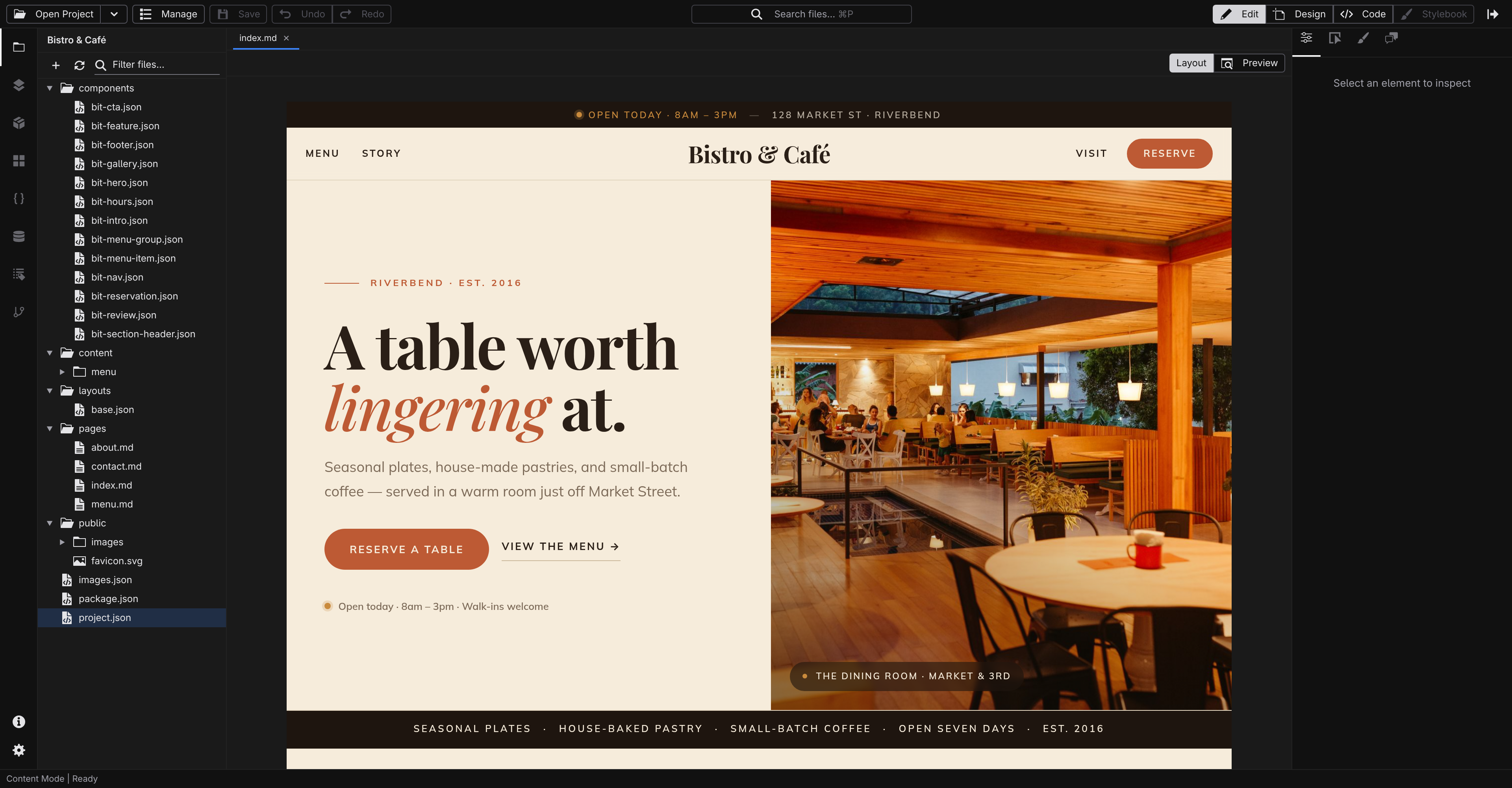
Edit
Click any text on the page and type, the way you would in a document, and it saves as clean Markdown.
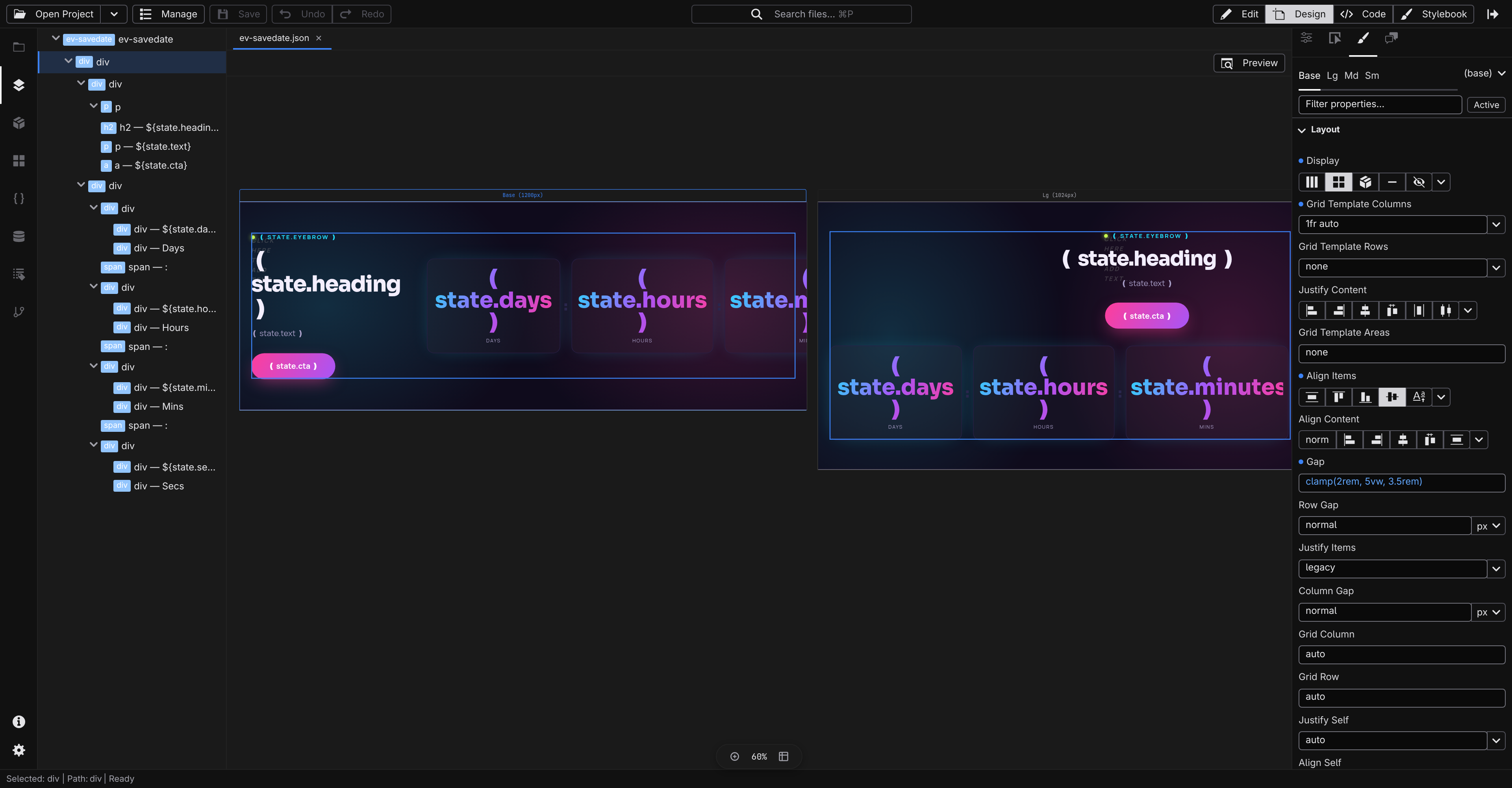
Design
Move things, size them, and set the colors and type on a live canvas, then see how it looks on a phone before anyone else does.
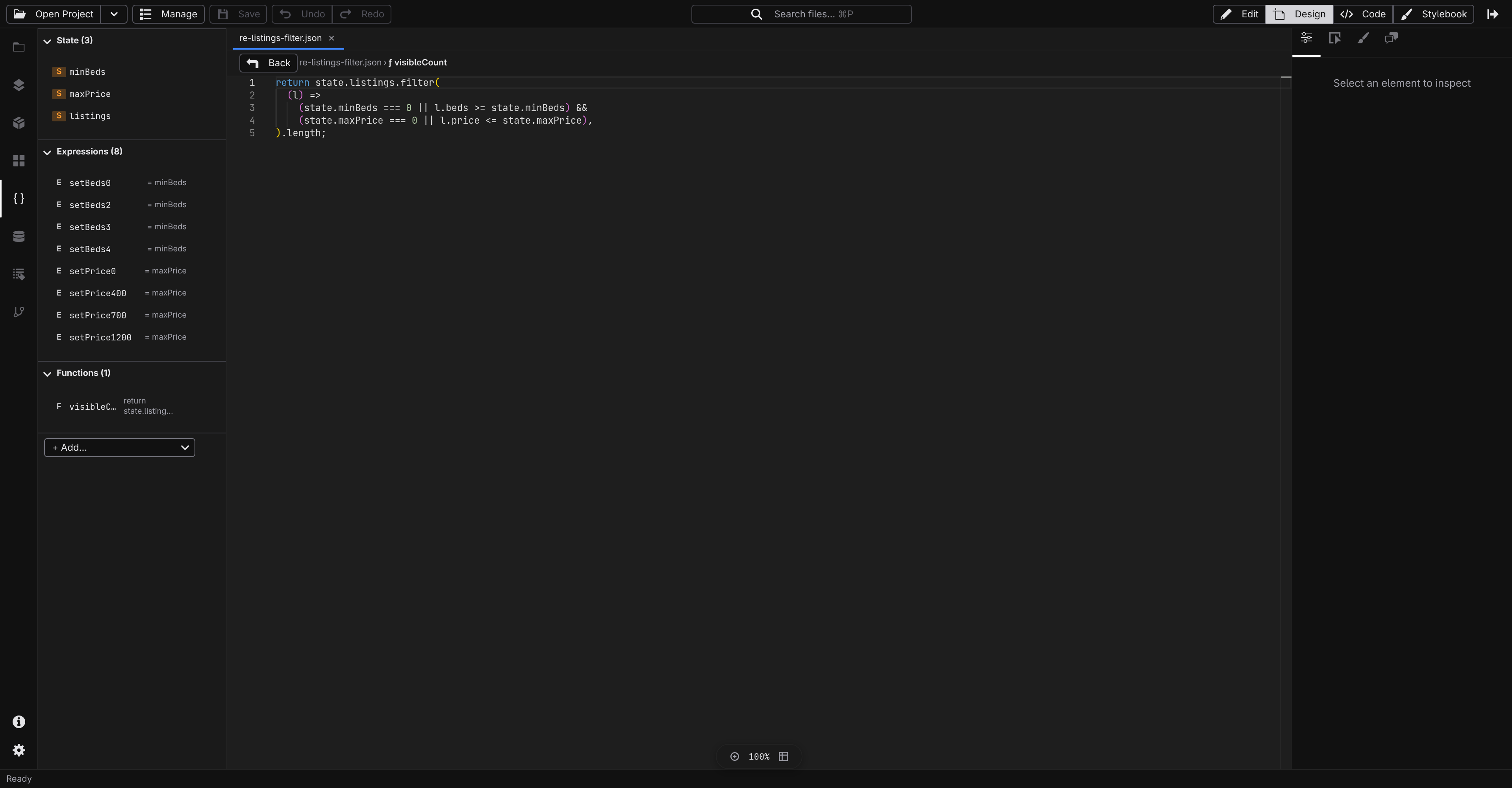
Script
Make things happen when someone clicks: a menu that opens, a form that sends, and a list that fills itself from real data when your site needs it.
Pick a site that already looks like yours.
Every template is a finished site for a real kind of business: a restaurant with a menu, a shop, a portfolio, a conference. Open one in Studio, change the words and the pictures, and it is yours. The structure is already decided.
Three steps, and the last one is automatic.
Author
Open a template or an empty project and make it yours: write the words, place the pictures, choose the colors. Every change is written to ordinary files in a folder you can see.
Publish
When it looks right, send the changes from Studio in one action, with a short note about what you did. Every send is kept, so an earlier version of the site is always there to go back to.
Live
Your host picks it up, builds the site, and puts it on a CDN around the world. Nothing to upload by hand, and nothing to remember next time.
Your site is a folder, not an account.
Jx writes ordinary text files into a folder on your computer: your pages, your writing, your pictures. Nothing is kept in a shape that needs Jx to open it, so leaving is a copy rather than an export.
The same Studio, in a browser tab.
Jx Cloud is a hosted Studio, in development now: you sign in with GitHub, and your projects are GitHub repositories, so your repository stays the copy of record and your permissions stay GitHub's. Publishing goes to your own Cloudflare account, and the assistant runs Workers AI on that same account, billed to you.
The desktop app stays free, open source, and offline, and it is the way in today.
Underneath, it is a framework you can read.
Pages, styles, state, data, and server logic are declarative JSON and Markdown documents, validated against a JSON Schema generated from the live web platform, so the file you edit is the file the compiler reads. Reactivity is
@vue/reactivity
, routes come from the filesystem, and the whole project compiles to static HTML, with adapters for Cloudflare, Node, and Bun when you need a server.
Start today.
Own it in ten years.
Studio is free to download, with nothing to sign up for, subscribe to, or wait for approval on. Pick a template, or start from an empty page.
 Suite
Suite